
Video Birthday Cards
A video birthday card puts your face and voice inside the card. You record or upload a short message, and it plays on the inside page of an animated 3D birthday card.
Can I add a video message to a digital card?
Yes. With Never Forgotten Birthdays you can add a personal video message to any of our animated 3D cards. You record it or upload one you've already made, and it appears inside the card next to your written message. The card's music pauses while your video plays. Adding a video is $2.99.
What a video birthday card is
A video birthday card is a digital card with a personal video message inside it. The recipient opens the card, sees the front, turns to the inside, and finds you there saying happy birthday.
It's different from sending a video on its own. The card gives the video a setting: artwork, their name, your written words, and a moment of opening before they press play. That makes a thirty-second clip feel like a card rather than one more video on their phone.
How adding a video works
- Choose a birthday card from the birthday cards page.
- Personalize it: add their name and yours, and change any of the words.
- Choose to add a video message. You can record one or upload a video you've already made.
- Watch the preview to see the video inside the card.
- Send it now or schedule it for the birthday.
Adding a video is a choice, not a requirement. Every card works beautifully without one.
Where the video appears
Our cards have three pages. The front is the moving 3D scene. The inside right is your written message, and that's where your video sits. If you don't add a video, that space shows a 3D variation of the card's own front instead, so nothing is left empty.
Card music and your video stay separate
Cards can have their own music, which you can turn on or off. Your video has its own sound. The two are handled separately on purpose.
- When the recipient starts your video, the card's music pauses so your voice is clear.
- When the video ends, the card's music can return.
- Turning card music off never mutes your video, and muting the video never changes the card's music setting.
- While you're preparing the card, the preview doesn't play music by itself.
Who a video card is for
- Grandparents, who often care more about seeing a face than reading a line.
- Friends and family far away, when you can't be at the party.
- Kids, who love seeing someone they know say their name.
- Group messages: record a short clip together from the whole family or the whole team.
- Milestone birthdays, when a few sentences don't feel like enough.
Tips for a good birthday video message
You don't need to be comfortable on camera. Short and sincere works better than polished.
- Keep it short. Under a minute is usually plenty.
- Say their name at the start. It makes it feel meant for them straight away.
- Share one specific thing: a memory, something they did this year, or something you're looking forward to.
- Find good light. Face a window rather than having it behind you.
- Record somewhere quiet so your voice comes through.
- End with the wish. "Happy birthday, we love you" is a fine last line.
Adding a gift as well
Some cards also have a gift page. On the Happy Birthday Bear and Quite A Catch cards you can add a gift card from a popular brand alongside your video. The Big Wheel, Dragons and Princess Carousel cards don't include a gift page, but they all take a video.
Want to send the whole combination? Read about 3D ecards with gift cards. If you'd rather send a gift card with a video but no ecard, see gift cards with video messages.
How the recipient watches it
They get a private link that opens the card in their browser on a phone, tablet or computer. There's no app to download and no account to create. The video plays inside the card when they choose to start it. You choose how you'd like to send the link when you're done.
Price
The card is $4.99 and a video message adds $2.99. If you're adding a gift card too, the video and gift bundle is $4.99, plus the gift amount you choose. The gift value is always listed separately from our fees.
For the full walkthrough, see how it works. For more on the cards themselves, see 3D birthday ecards.
Birthday ecards to choose from
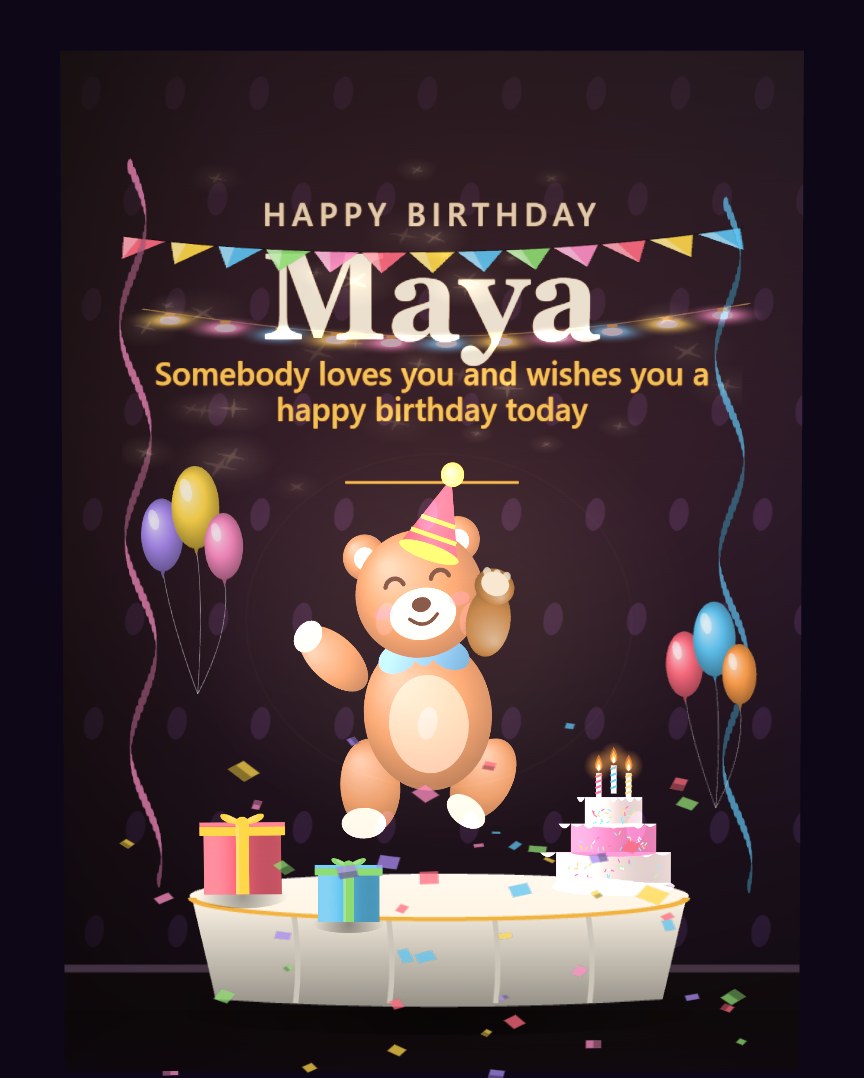
Happy Birthday, Bear
Birthday · any ageVideo availableGift available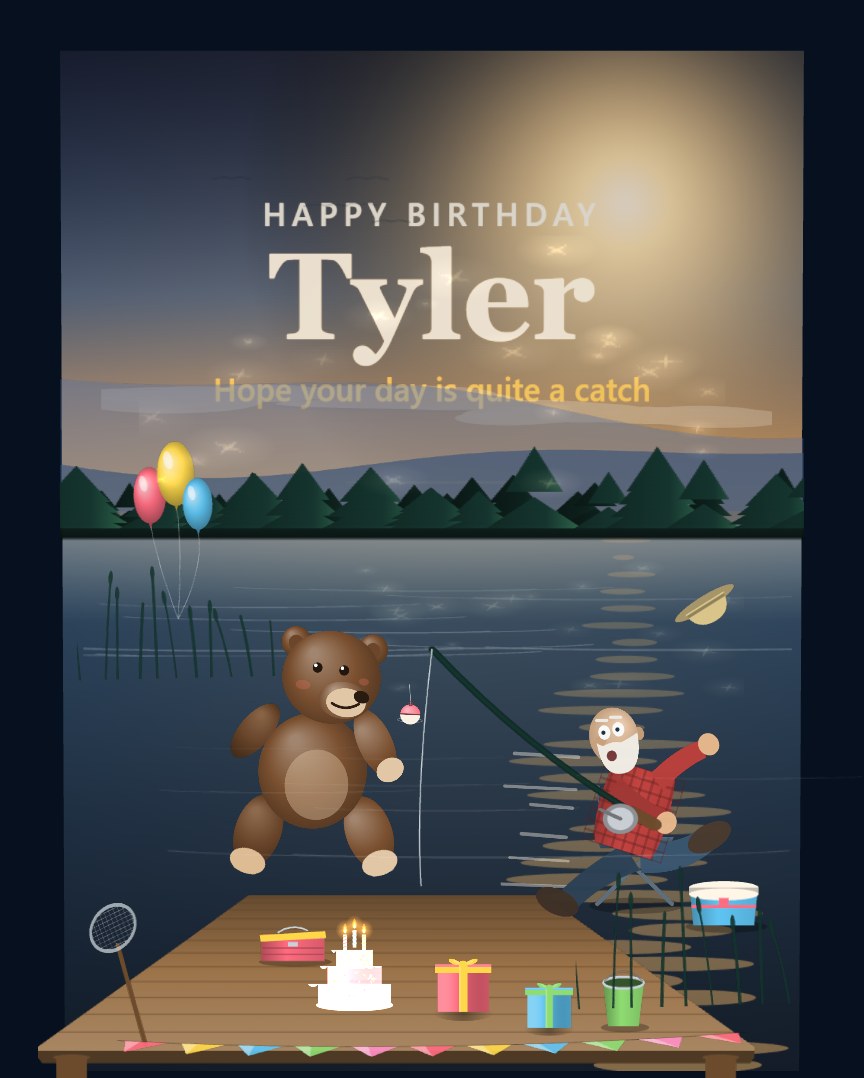
Quite A Catch
Birthday · outdoorsVideo availableGift available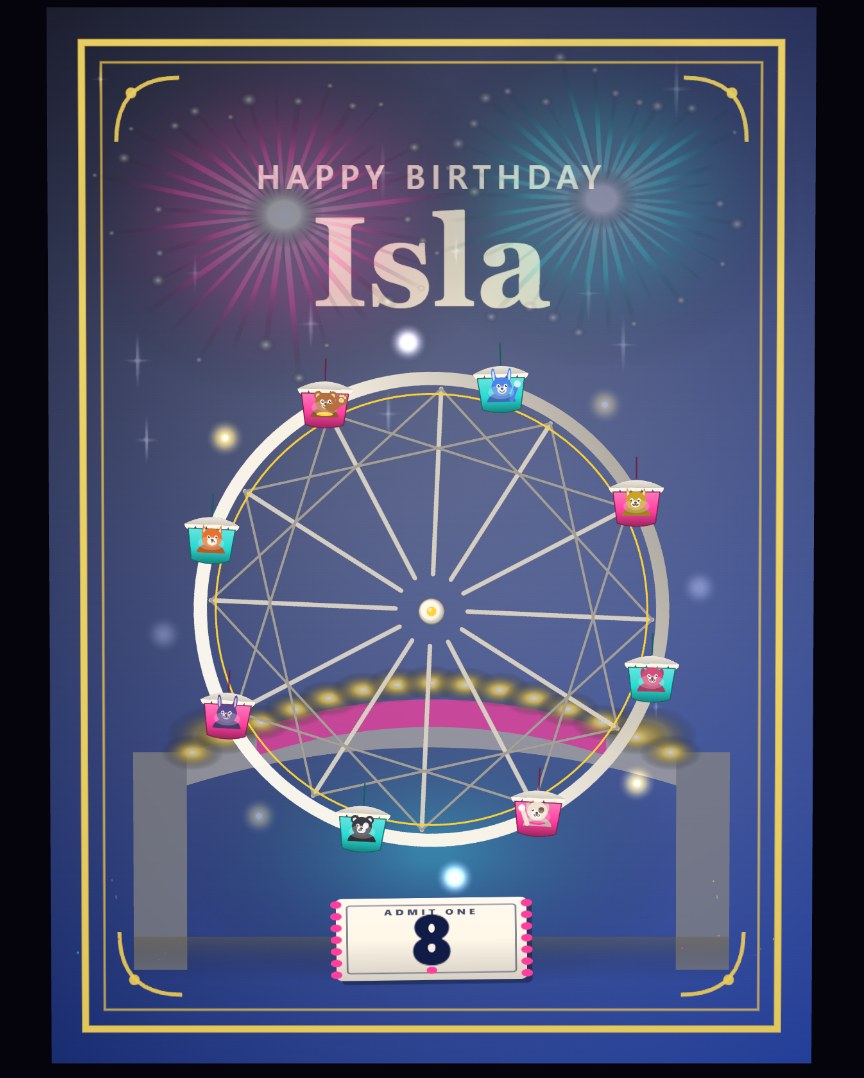
The Big Wheel
Birthday · any ageVideo availableGift available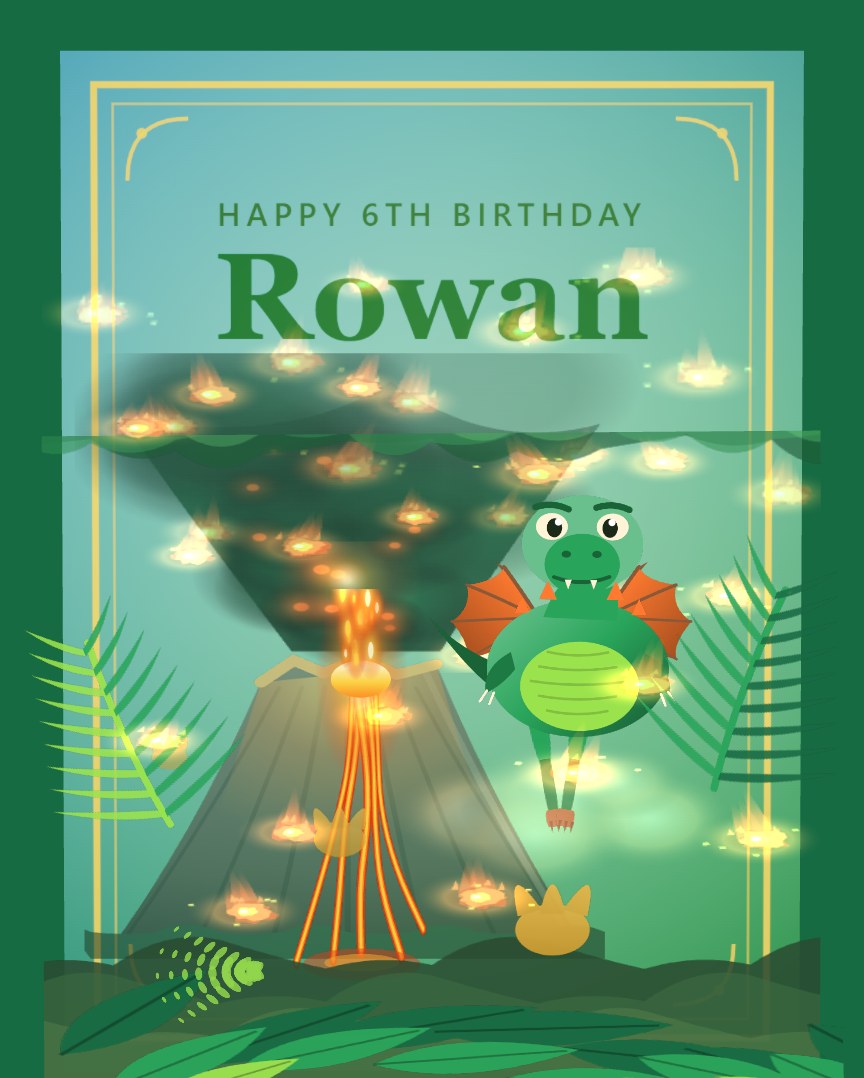
Dragons
Kids birthdayVideo availableGift available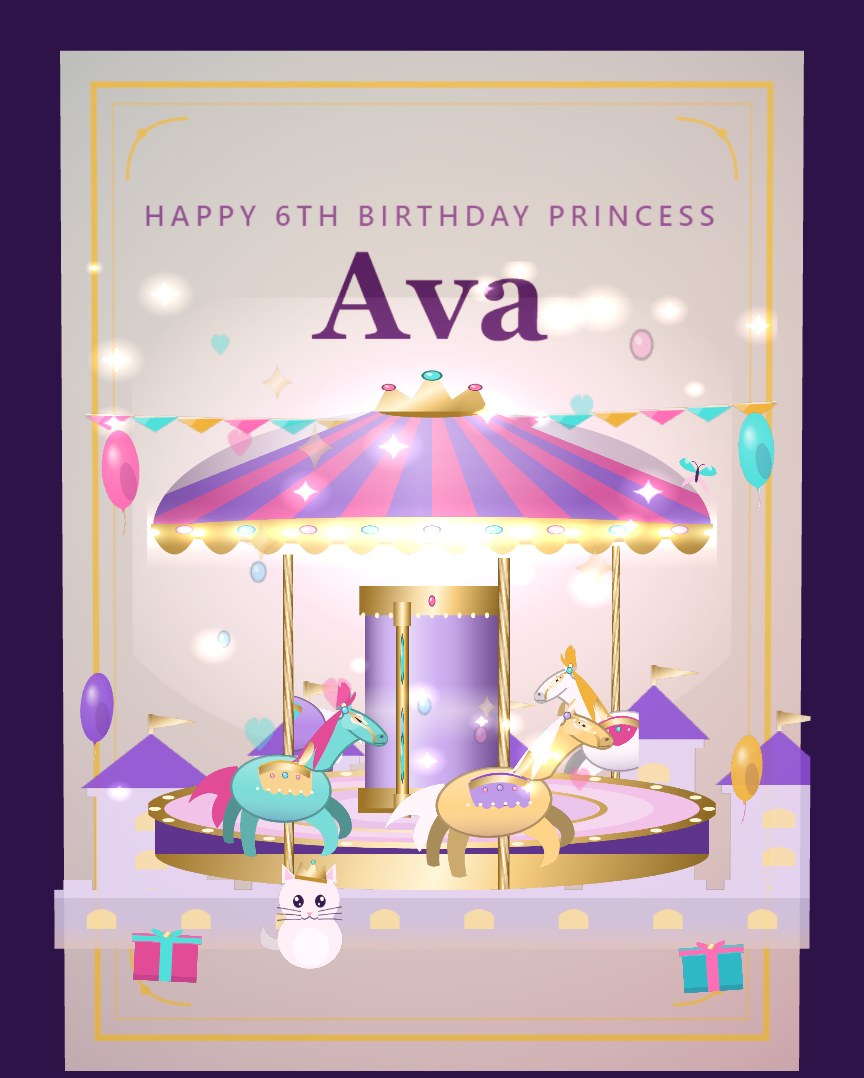
Princess Carousel
Kids birthdayVideo availableGift available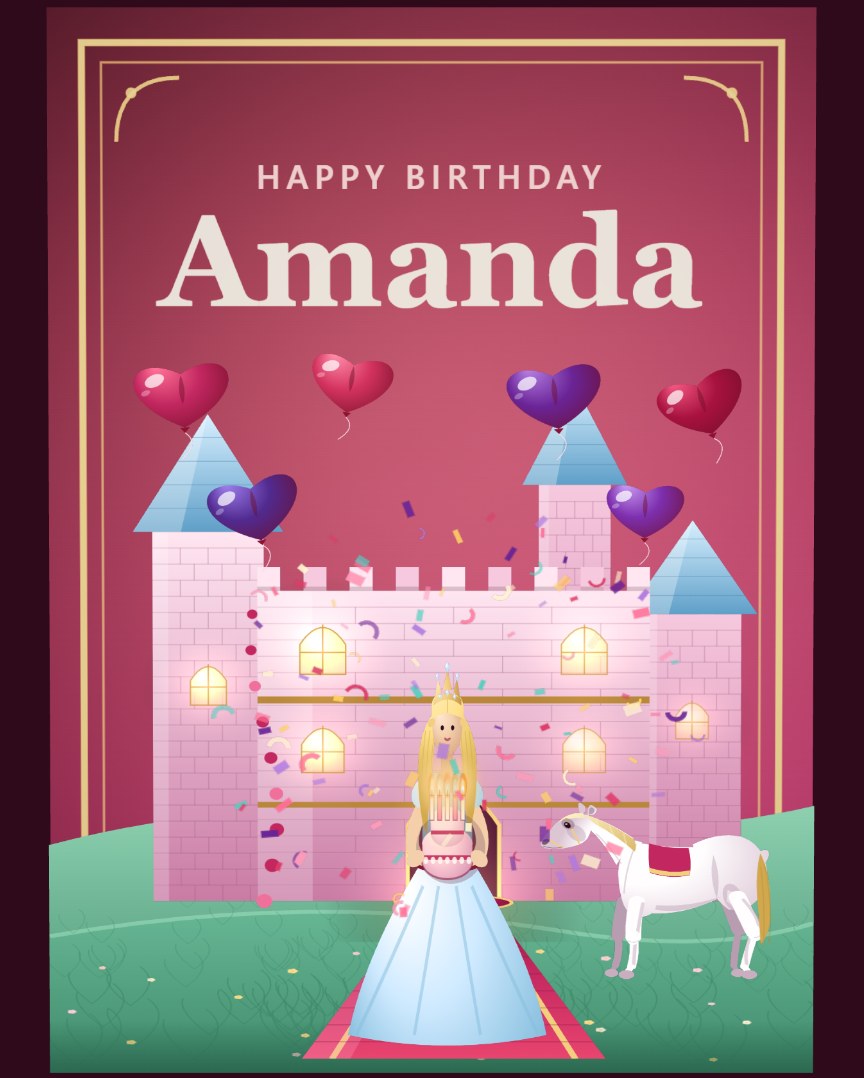
Princess Castle Birthday
Birthday · fairytaleVideo availableGift available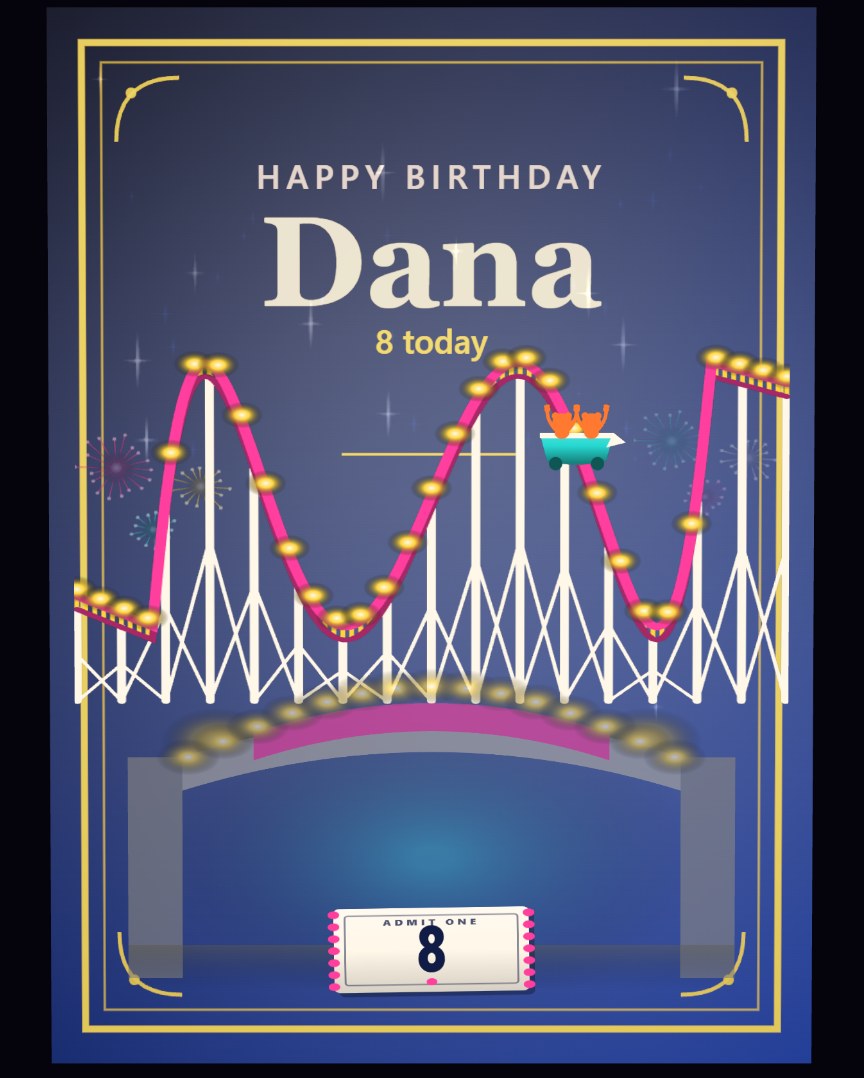
The Roller Coaster
Birthday · fairgroundVideo availableGift available
Questions people ask
Can I upload a video I already recorded?
Yes. You can record a video message or upload one you've already made.
Does every card support a video message?
Yes. A video message can be added to any of our cards. It appears on the inside page with your written message.
What happens to the card's music when the video plays?
The card's music pauses while the video plays and can return when it ends. Card music and video sound are controlled separately.
Does the recipient need an app to watch the video?
No. The card and video open in a web browser on a phone, tablet or computer from a private link.
What does the card look like without a video?
The inside page shows your message alongside a 3D variation of the card's own front artwork, so the page is never blank.
Can I schedule a video birthday card?
Yes. Send it right away or pick a future date for it to arrive.
Can I send a card by email?
Email delivery is still being finished. Delivery options open when NFB launches, and each one appears in the send step as soon as it is ready.
Can I send a card by text?
Text message delivery is still being finished. Delivery options open when NFB launches, and each one appears in the send step as soon as it is ready.
Can I use WhatsApp?
WhatsApp delivery is still being finished. Delivery options open when NFB launches, and each one appears in the send step as soon as it is ready.
Say it out loud this year
Choose a birthday card, add your video message, and send it now or on the day.
Choose a birthday card